


Digital Signage 
For Microsoft Microsoft Teams logo Teams Rooms

Get more from your Microsoft Teams Rooms investment by turning idle screens into engaging communication hubs that keep employees informed and create a stronger impression on visitors.

Vibe transforms idle Microsoft Teams Rooms displays into digital signage, giving internal communication teams another highly visible way to share workplace communications, visitor messaging and important updates when screens are not being used for meetings or presentations.

Book Your Discovery Call Book Your Discovery Call Begin Your Fully Supported Trial Begin Your Fully Supported Trial
Decorative star graphic Decorative swirl graphic
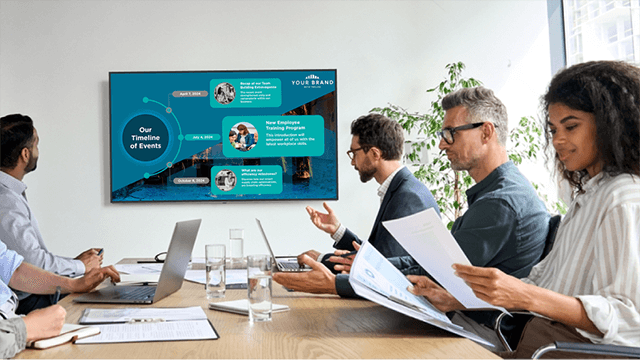
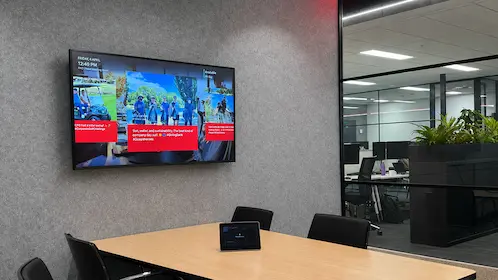
Microsoft Teams Room display showing Vibe digital signage content

Make every idle moment count

You've invested in Microsoft Teams Rooms (MTR) to make meetings and collaboration easier. Now make those screens work harder.

When Teams Rooms displays aren't being used for meetings or presentations, Vibe transforms that idle screen time into a valuable workplace communication channel.

Maximise the value of every screen, without compromising the meeting room experience.

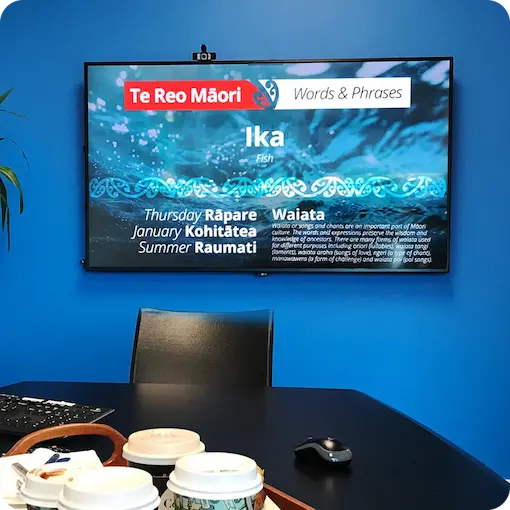
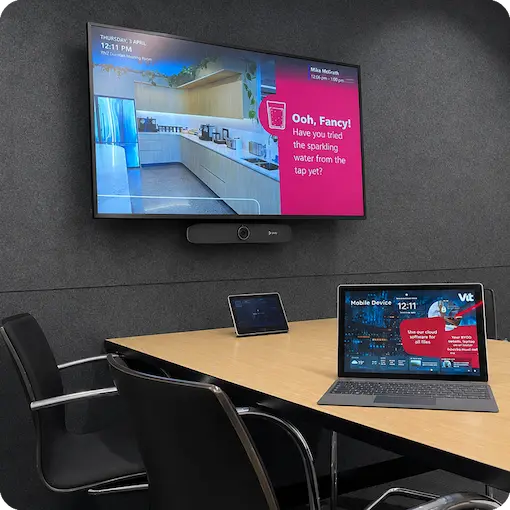
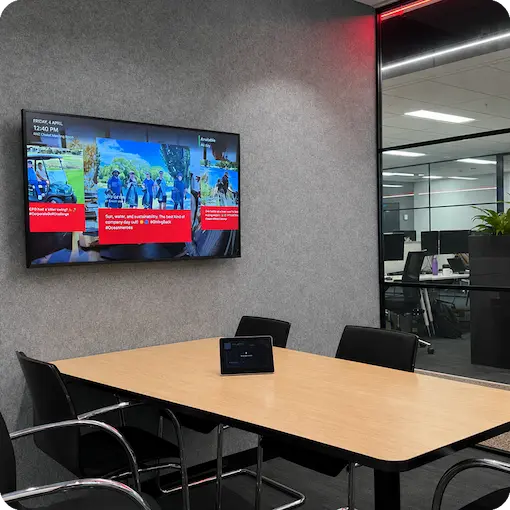
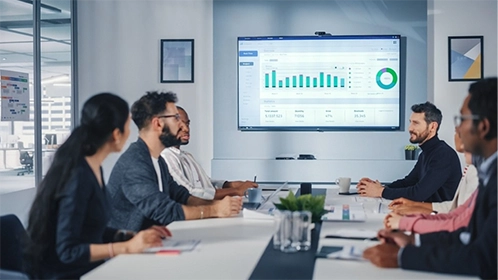
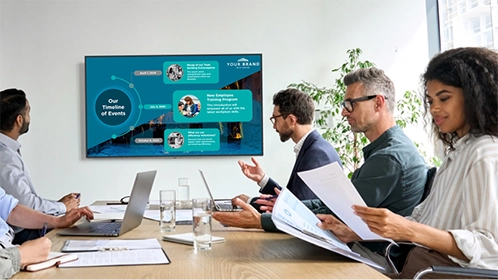
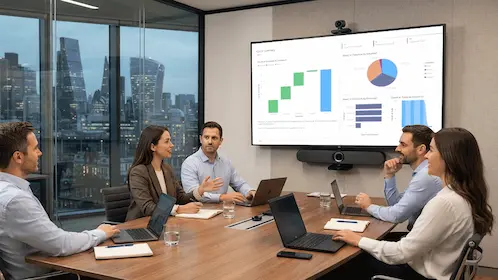
Microsoft Teams Room screen displaying company news and updatesMicrosoft Teams Room screen displaying visitor welcome messagingMicrosoft Teams Room screen displaying branded workplace content

How does Vibe digital signage work with Microsoft Teams Rooms?

Microsoft Teams Rooms supports digital signage when meeting room displays are not being used for meetings or presentations.
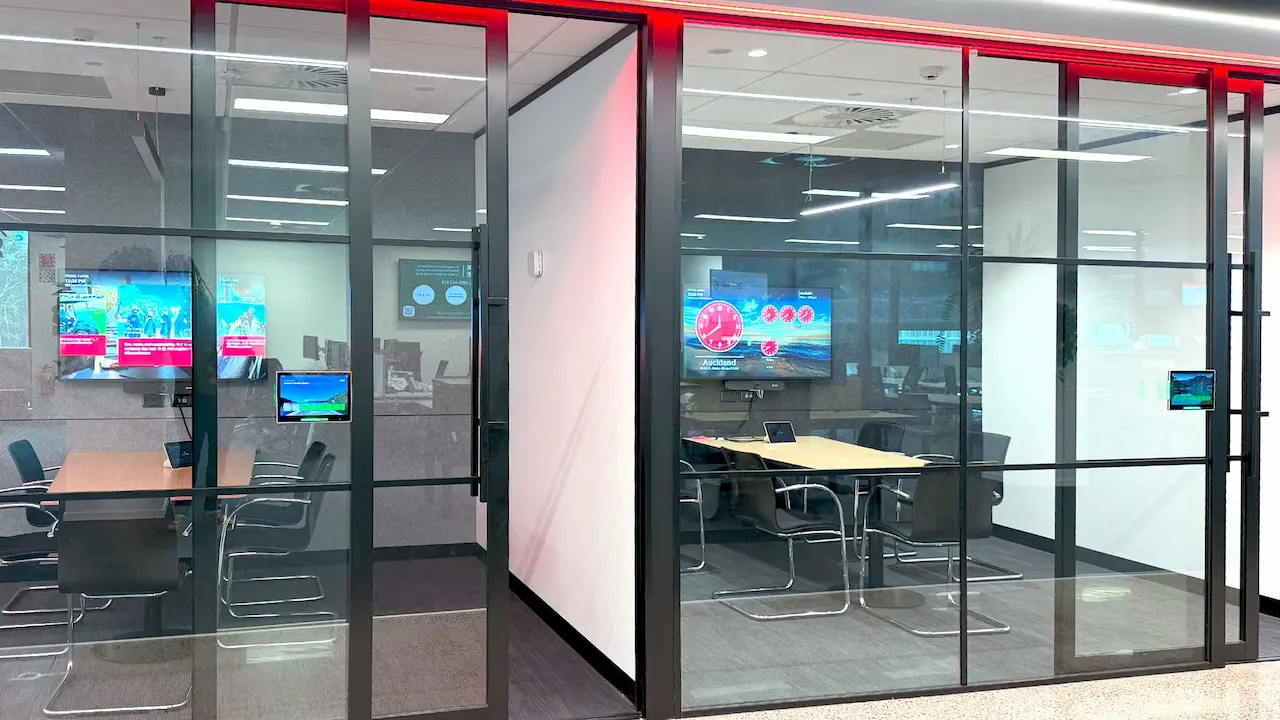
Vibe can be configured as a web URL signage source within Microsoft Teams Rooms, allowing Vibe content to be displayed in signage mode on screens.

Your communication team manages the content through Vibe, while Microsoft Teams Rooms manages when the display moves between its meeting room and digital signage experiences.

Book Your Discovery Call Book Your Discovery Call Learn more Learn more

Keep employees informed and connected

Extend important communications into the spaces employees already use every day.

Share company news, celebrate achievements, reinforce culture and values, promote strategic initiatives and keep important messages visible between meetings.

Microsoft Teams Room digital signage gives internal communication teams another highly visible channel to reach employees without introducing another place they need to actively check.

Create a better visitor experience

Meeting rooms are an ideal opportunity to tell your organisation's story.

Welcome customers, partners and visitors with polished, on-brand content showcasing your people, projects, achievements, customer success stories and other messaging that reinforces who you are.

Turn otherwise unused screen time into communication that informs employees and leaves a stronger impression on visitors.

Manage Microsoft Teams Rooms digital signage from one place

Centrally manage content across meeting rooms, offices, regions and countries from Vibe.

Target communications to specific locations, rooms or audiences while maintaining a consistent employee and visitor experience across your organisation.

Whether you have a handful of Teams Rooms or meeting spaces across multiple locations, Vibe makes it easy to keep content relevant and up to date.

Bring existing workplace content to your meeting rooms

Connect Vibe with platforms including SharePoint, Power BI, Viva Engage and more to turn existing workplace information and live data into engaging visual communications.

Make the content your organisation already creates more visible without recreating it for meeting room displays.

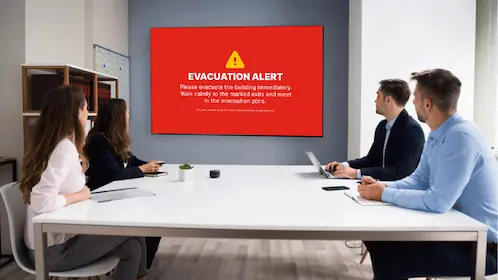
Emergency notifications on Microsoft Teams Room displays

Use Vibe's Emergency Notification service to send high-priority notifications to meeting room displays when urgent information needs to be seen.

Extend critical safety updates and emergency instructions into more areas of your workplace when every moment matters.

Beyond Microsoft Teams Rooms

Microsoft Teams Rooms are at the heart of Vibe's meeting room signage solution, but Vibe can also support other meeting room environments.

Digital signage for Zoom Rooms

Extend Vibe to Zoom Rooms using Zoom's Custom URL capability.

Display workplace announcements, company updates, visitor messaging and branded content on idle Zoom Room displays, helping you make better use of screens between meetings.

Digital signage for meeting rooms without Teams Rooms or Zoom Rooms

Meeting rooms without a dedicated conferencing system can still use the same display for digital signage and presentations.

With supported LG webOS displays, Vibe automatically switches from digital signage to HDMI when a laptop or other presentation device is connected, then returns to Vibe when the presentation ends.

No remotes or manual switching required.

Featured Use Cases and Customer
Success
Stories

Employee Communications in the Age of the Attention Crisis

Employee Communications in the Age of the Attention Crisis

Read More
The Future of Workplace Communication: Breaking Through the Digital Noise

The Future of Workplace Communication: Breaking Through the Digital Noise

Read More
External review of Microsoft Teams Rooms and Vibe.fyi

External review of Microsoft Teams Rooms and Vibe.fyi

Read More
Mastering Meeting Room Signage For Efficiency

Mastering Meeting Room Signage For Efficiency

Read More

One platform. More ways to reach your people.

Bring Microsoft Teams Room displays together with workplace digital signage,
screensavers, lock screens and other Vibe communication channels to create a connected visual communication network.

Manage more of your workplace communications from one platform while reaching employees across
the screens and spaces they already use.

Keep employees informed. Engage visitors. Make every idle moment count.

Book Your Discovery Call Book Your Discovery Call Begin Your Fully Supported Trial Begin Your Fully Supported Trial

Frequently Asked Questions